Help Docs for AI Search: How to Get Your Knowledge Base Cited

The short answer: Help docs for AI search are the help articles AI assistants fetch and cite when someone asks how your product works. They're the only pages that can answer questions like "does this plan include SSO?" with authority. They only count if an assistant can read them, which means plain HTML and no login wall, and if each article answers one task in your customers' words.
When someone asks an AI assistant a specific product question, the most precise answer is in your help center. But the assistant can only use that page if it can reach it and read it.
Help docs are the articles in your help center, the setup guides and troubleshooting pages that support teams write to deflect tickets. Some tools call the help center a self-service knowledge base and its pages knowledge base articles. Either way, they're the primary source for how your product actually works.
Why AI assistants cite help docs
Ask an assistant whether a plan includes SSO, and it needs a page that says so. Review sites and roundups describe your product from the outside. Only your help articles state which plan includes a feature or what an error message means, so a current help article is more accurate than any summary someone else wrote.
Assistants don't wait for a crawl to reach those pages, either. OpenAI's ChatGPT-User fetches a page the moment a user's request needs it, separately from the crawling OAI-SearchBot does for ChatGPT search. Our breakdown of GPTBot, OAI-SearchBot, and ChatGPT-User covers how each one behaves.
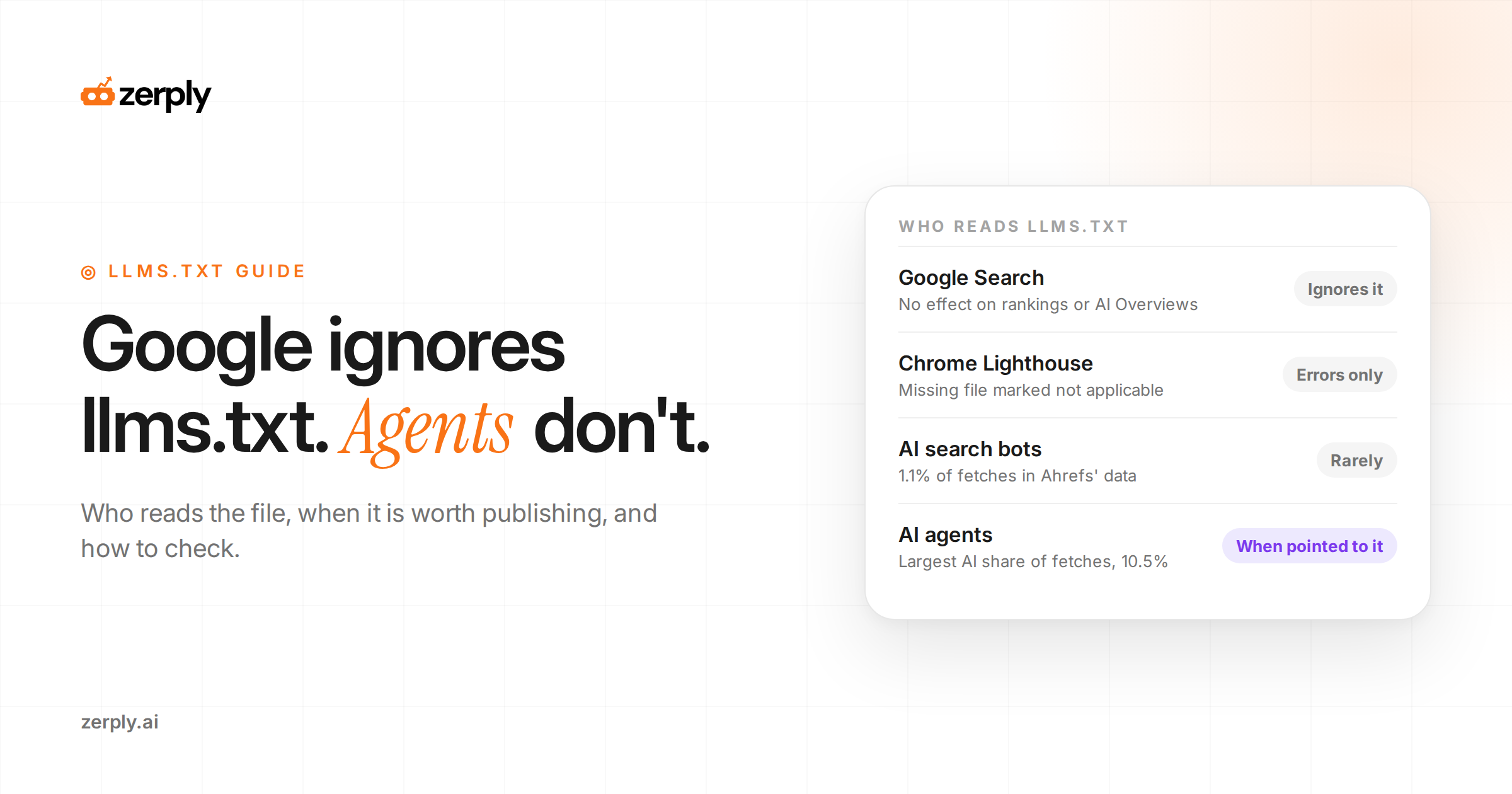
Coding agents lean on documentation even harder. In Ahrefs' study of llms.txt files, AI agents fetched those files more than any other kind of AI bot, and Anthropic's coding agent out-fetched every AI search bot. Our llms.txt guide has the full numbers, and they show agents heading straight for product documentation.
Is a knowledge base a good SEO idea?
Yes, as long as each article answers a real question and can be crawled. Help articles rank the same way any page does. Google judges them on relevance and quality and gives them no special treatment for being support content.
Rich-result markup used to be the shortcut for help content, and it no longer works. In August 2023, Google limited FAQ rich results to well-known, authoritative government and health sites, and in September 2023 it dropped How-To rich results altogether. Adding FAQPage or HowTo markup won't bring those results back for a software company.
What still counts is on the page. A help article earns traffic and citations when its title matches the question and its first lines answer it. The steps after that have to be specific enough to act on.
What blocks AI crawlers in help centers
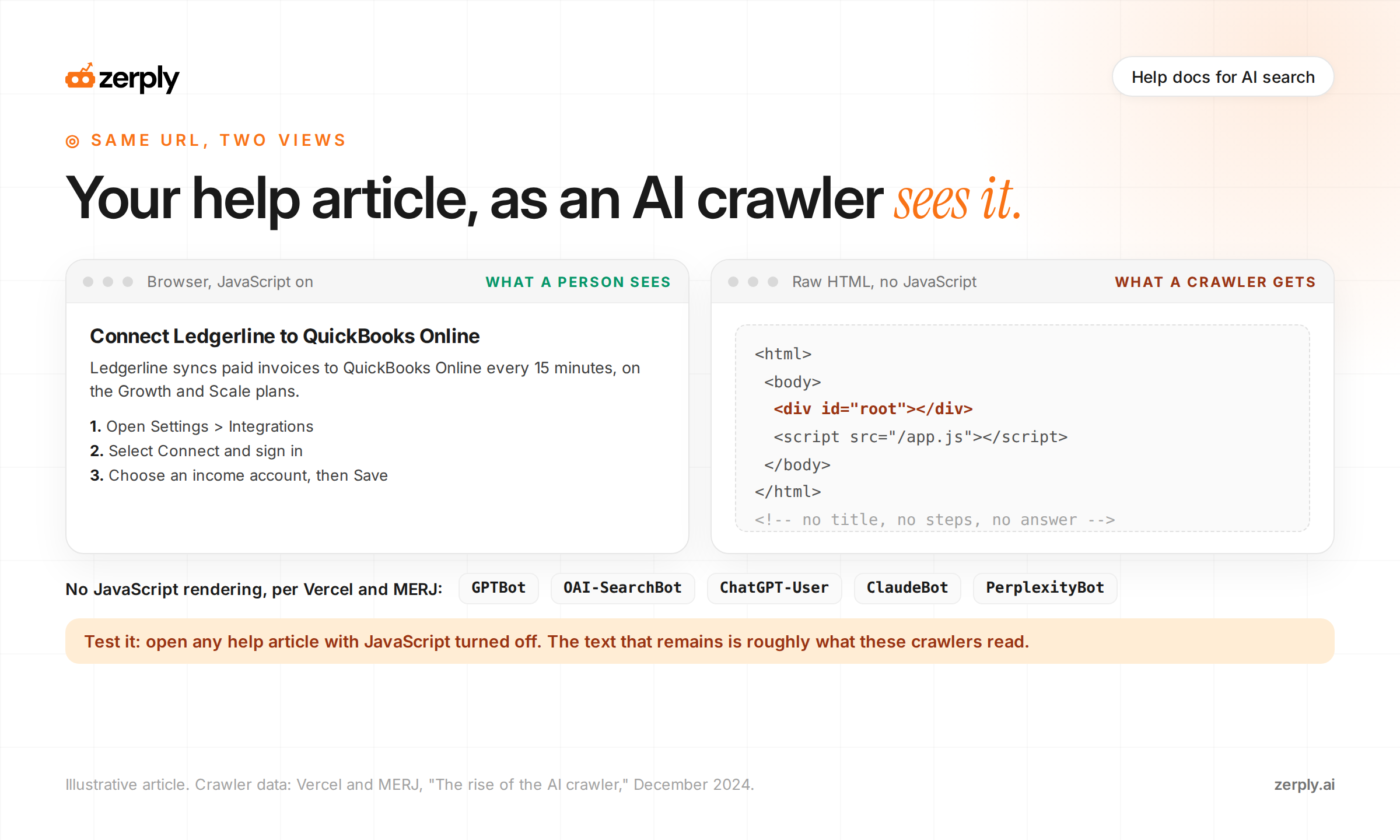
A help article can be perfect and still invisible. A help center on its own platform or subdomain that loads content with JavaScript can hide every article from an AI crawler.
JavaScript is the biggest problem. Vercel and MERJ studied AI crawler traffic across Vercel's network, and none of the major AI crawlers they measured rendered JavaScript. That included OpenAI's GPTBot, OAI-SearchBot, and ChatGPT-User, and Anthropic's ClaudeBot. They read only the HTML your server sends. The December 2024 analysis counted 569 million GPTBot fetches in a single month.
| Problem | What an AI crawler gets | Fix |
|---|---|---|
| Article text loads with JavaScript after the page opens | An empty shell or a loading message | Render article content on the server |
| Help articles sit behind a customer login | A sign-in page | Make how-to and troubleshooting articles public, and gate only account-specific pages |
| Help subdomain is set to noindex or blocked in robots.txt | Nothing, or a disallowed URL | Remove noindex from public articles and check robots.txt on the subdomain itself |
| Help subdomain has no sitemap | Only the articles linked from elsewhere | Publish a sitemap for the subdomain and reference it in that subdomain's robots.txt |
| Answers live only in PDFs or videos | Little or no usable text | Publish the steps as an HTML article and embed the video beside them |
| Articles are reachable only through the search box | No links to follow | Add category pages and in-article links that point to each article |
Check the first row before anything else. Open a help article with JavaScript turned off. Whatever text is left is roughly what an AI crawler reads.
Structure every help article the same way
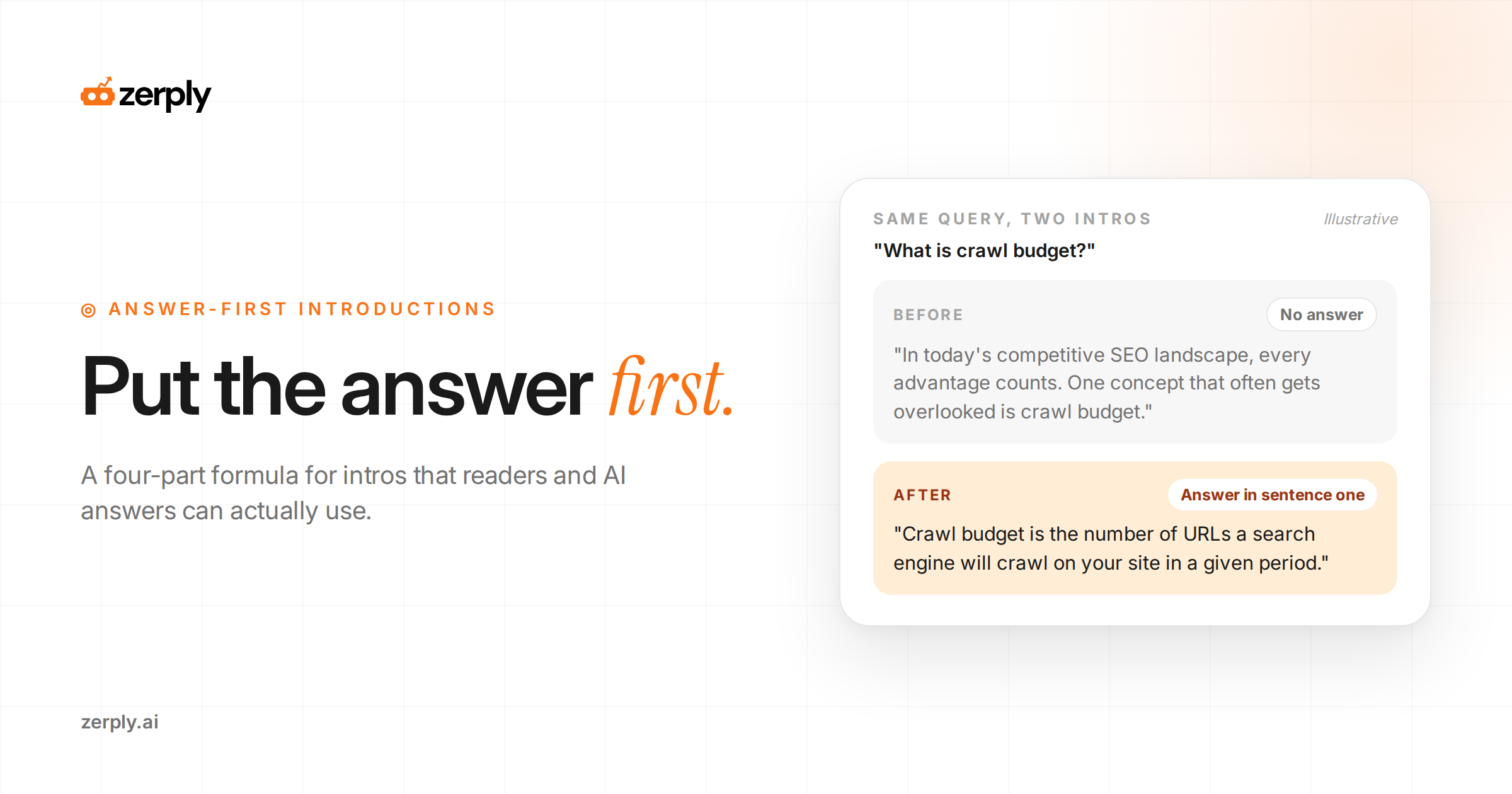
A help article titled after a feature, like "Integrations," answers nothing. Title it after the task a customer is trying to finish.
To decide which articles to fix first, start with the questions your sales and support teams hear every week. Integration questions and plan limits are the best first candidates, because buyers ask AI assistants those before they ever contact you.
Here's the pattern applied to one article.
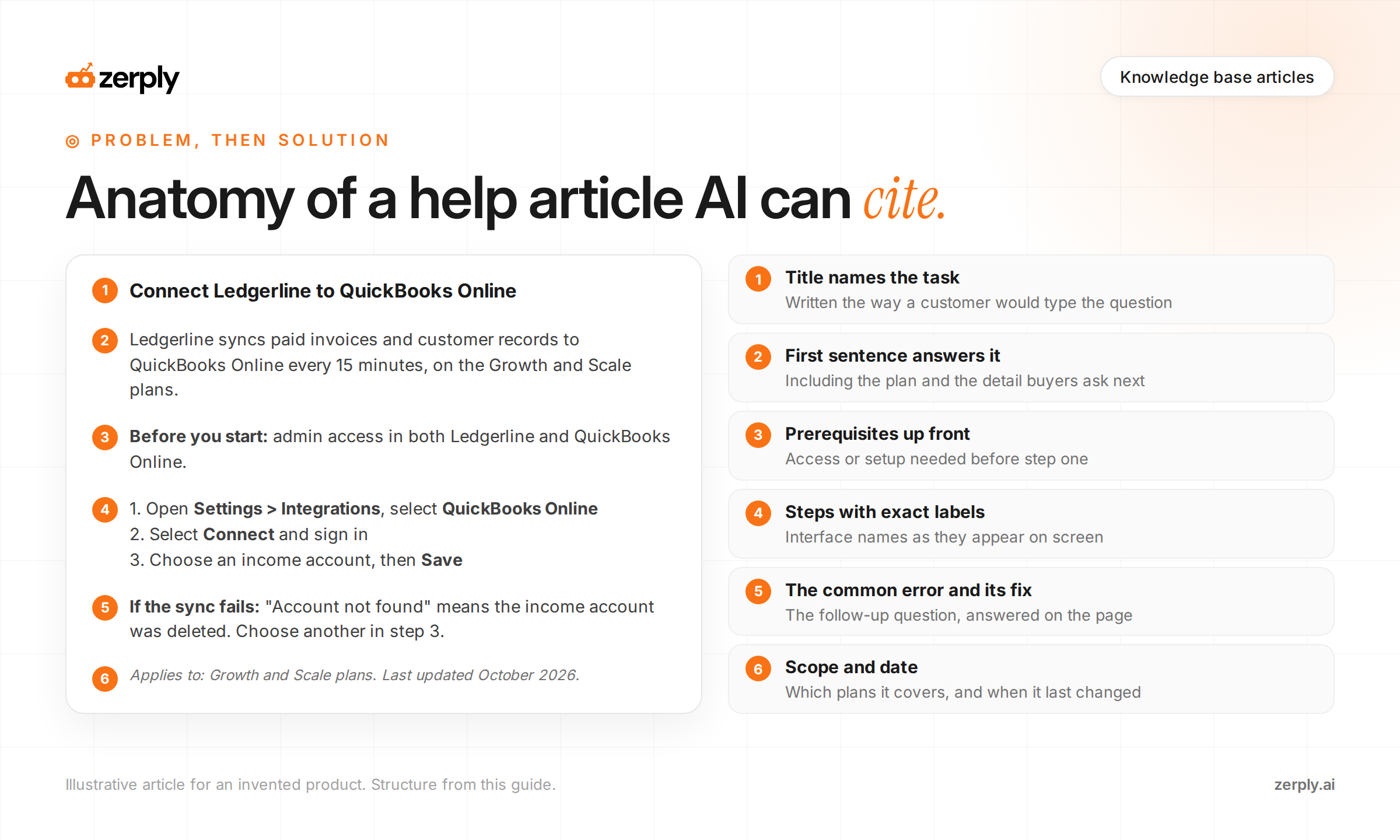
Illustrative example. Ledgerline is an invented invoicing product, and these articles aren't from a real help center.
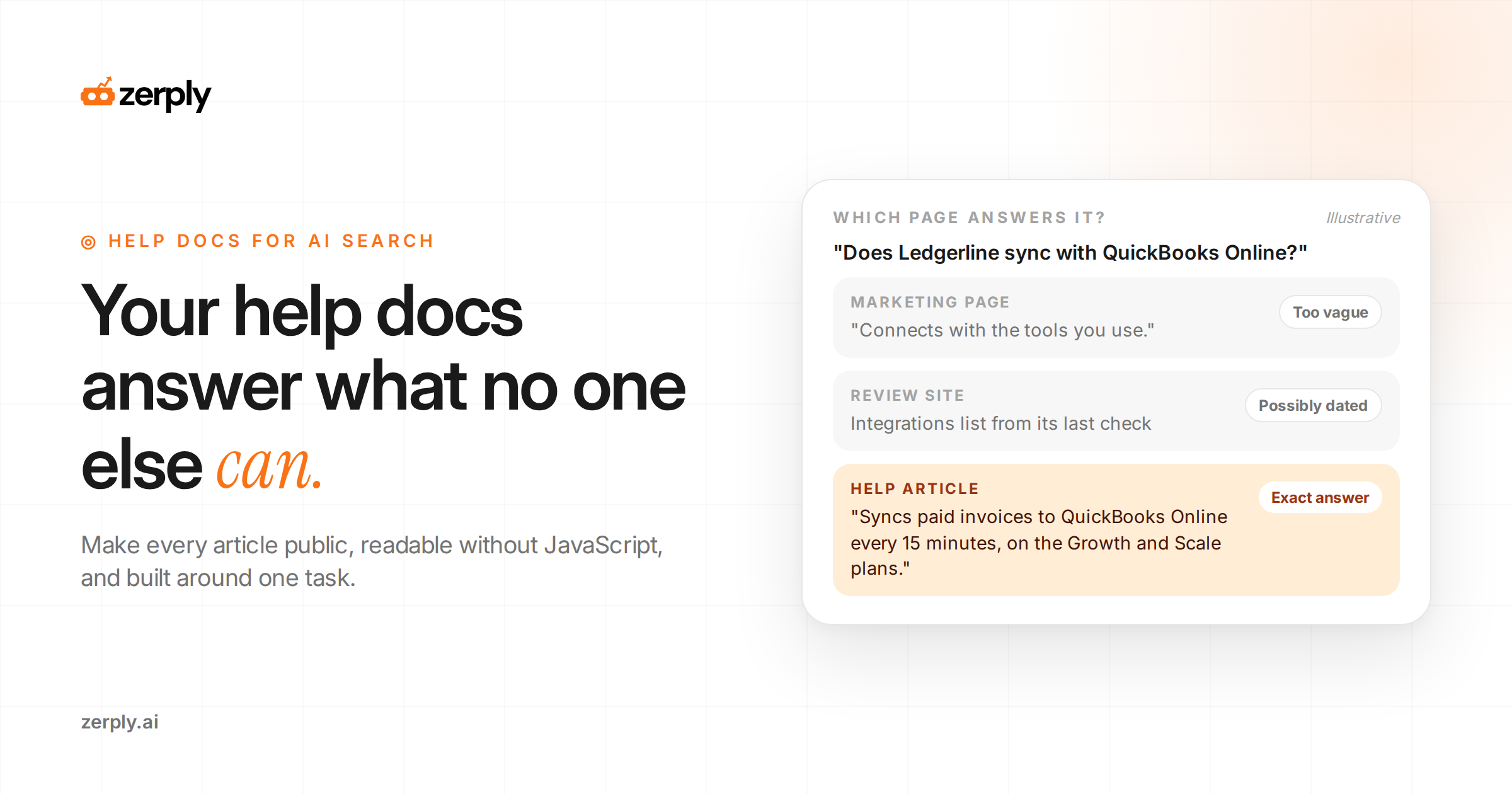
Before: an article titled "Integrations" opens with "Ledgerline works with many popular tools to streamline your workflow" and lists eleven logos with no setup details.
After:
Connect Ledgerline to QuickBooks Online
Ledgerline syncs paid invoices and customer records to QuickBooks Online every 15 minutes. The integration is available on the Growth and Scale plans.
Before you start: you need admin access in both Ledgerline and QuickBooks Online.
- In Ledgerline, open Settings > Integrations and select QuickBooks Online.
- Select Connect and sign in to QuickBooks with an admin account.
- Choose which income account receives synced invoices, then select Save.
What happens next: the first sync runs within 15 minutes, and synced invoices show a QuickBooks icon in your invoice list.
If the sync fails: an "Account not found" error means the income account was deleted in QuickBooks. Choose a different account in step 3.
Applies to: Growth and Scale plans. Last updated October 2026.
The rewrite answers "Does Ledgerline sync with QuickBooks?" in its first sentence. It also covers the follow-ups an assistant would otherwise guess at, like which plans include it and how often it syncs. Each section is short enough to quote on its own.
A few habits keep a whole help center in this shape:
- Name each article after one task, the way a customer would type it.
- Use interface labels exactly as they appear on screen.
- State which plan or version the article covers.
- Change the last-updated date whenever the steps change, and show it on the page.
Breadcrumbs and links crawlers can follow
A crawler that lands on one help article needs links to find the next one. When articles only connect through a search box, there's nothing to follow.
A breadcrumb trail such as Help Center > Integrations > QuickBooks Online tells readers and crawlers where an article sits. Build it from plain HTML links, so each level is a real page with its own URL.
Breadcrumbs cover the path up from an article. Category pages cover the path across. A page for each product area, linking to every article inside it, gives crawlers a route to articles nothing else links to.
Inside each article, link to the tasks that come before and after it. The QuickBooks example links naturally to "Choose an income account" and "Fix sync errors," which helps a reader finish the task and gives a crawler the next page to fetch.
Outdated help docs do the most damage
An outdated help article is worse than a missing one in an AI answer. The assistant quotes old steps as confidently as current ones, and the person reading its answer has no menu in front of them to check against.
The fix is to tie help docs to the release process. Any release that renames a setting or removes a feature should ship with updates to the articles it affects, reviewed by the team that built it.
When a feature is retired, redirect its article to the closest replacement with a 301 redirect. Deleting the article leaves links pointing at a 404, and leaving it live hands an assistant steps that no longer work.
After a redesign, search the help center for the old interface labels. Any article that still uses them needs new steps and screenshots.
Check whether assistants use your help docs
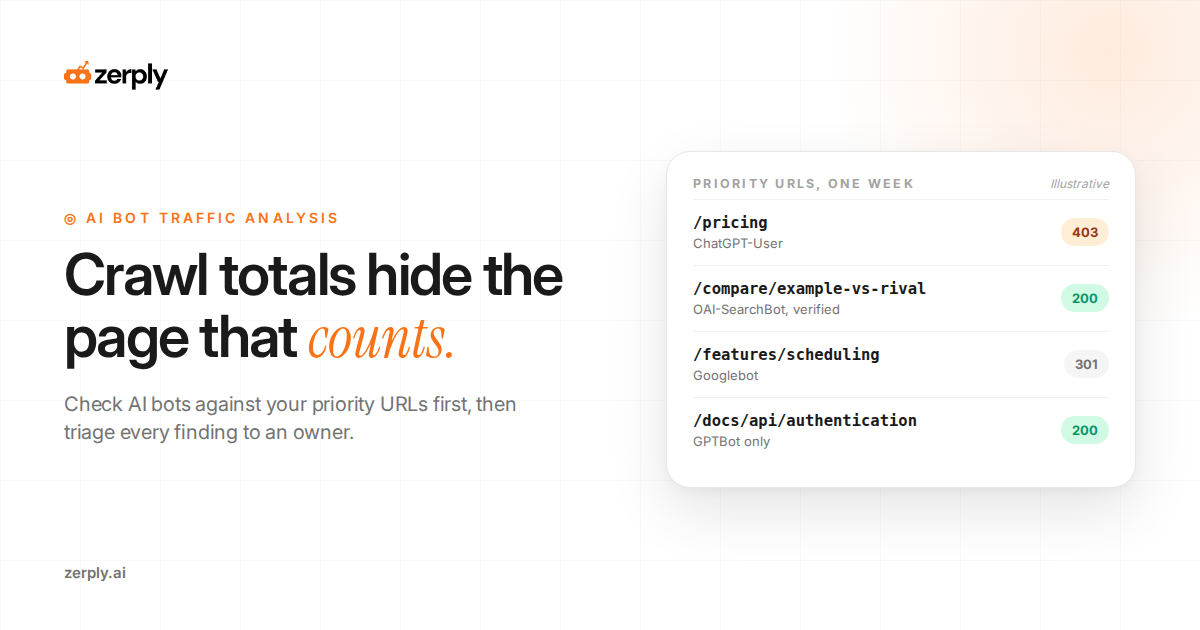
Every ChatGPT-User request on a help URL is a person asking an assistant about your product. A request on /help/quickbooks-online means someone asked a question that needed that exact page. Our guide to AI bot traffic analysis shows how to read those requests in server logs and verify each bot.
For citations, track the product questions buyers ask, such as "Does Ledgerline sync with QuickBooks Online?", and record which source each answer cites. When a review site or an outdated forum thread ranks above your own help article, compare the two pages and close the gap.
Conclusion
Pull last month's 20 most-asked support questions. For each one, find the help article that answers it and open it with JavaScript turned off. A question with no public article, or an article that goes blank, is your first fix. Copy edits can wait until every answer loads.
If you're on Cloudflare, Zerply's AI Traffic Analytics saves you the log work. Filter Crawled Pages to AI Assistant and you'll see every help URL a person's question pulled up. Citation Tracking then tells you whether those articles get cited for the product questions you track. Off Cloudflare, your server logs get you the same view with a bit more effort.
Frequently asked questions
Is a knowledge base a good SEO idea?
Yes, when each article answers a real customer question and can be crawled. Google ranks help articles on relevance and quality like any other page, and AI assistants use them as the primary source for product-specific questions such as plan limits, integrations, and error messages.
Do AI crawlers render JavaScript in help centers?
No. A December 2024 Vercel and MERJ analysis found that none of the major AI crawlers it measured rendered JavaScript, including OpenAI's GPTBot, OAI-SearchBot, and ChatGPT-User and Anthropic's ClaudeBot. Help articles that load their text with JavaScript appear empty to these crawlers, so render article content on the server.
Does FAQ or HowTo schema help help center articles?
Not for rich results. Since August 2023, Google shows FAQ rich results only for well-known, authoritative government and health sites, and it stopped showing How-To rich results in September 2023. The markup does no harm, but a clear title, an answer in the first lines, and specific steps do more.
How should a knowledge base article be structured for AI answers?
Give each article one task, name it in the title the way customers ask it, and answer the question in the first sentence. Follow with prerequisites, numbered steps using exact interface labels, what happens next, a common error and its fix, the plans it applies to, and a last-updated date.
Should help docs be public or behind a login?
Make how-to, setup, and troubleshooting articles public, because AI crawlers and assistants cannot read pages behind a customer login. Keep only account-specific pages gated. Also check that the help subdomain is not set to noindex, is not blocked in robots.txt, and has its own sitemap.
How can you tell if AI assistants use your help docs?
Check server or CDN logs for user-triggered fetchers such as ChatGPT-User on your help URLs, since each request means someone asked an assistant a question that needed that page. Then track product-specific prompts and record which sources AI answers cite.
Written by
Founder at Zerply.ai & Wittypen
Anshul is the founder of Zerply.ai and previously built Wittypen, a content marketplace powering SEO growth for 1,000+ businesses. Over the last decade he has worked hands-on with B2B SaaS and tech teams to turn search data into compounding organic growth. At Zerply he shares practical playbooks on AEO, AI visibility, and modern SEO that come directly from experiments, wins, and failures in real projects.