
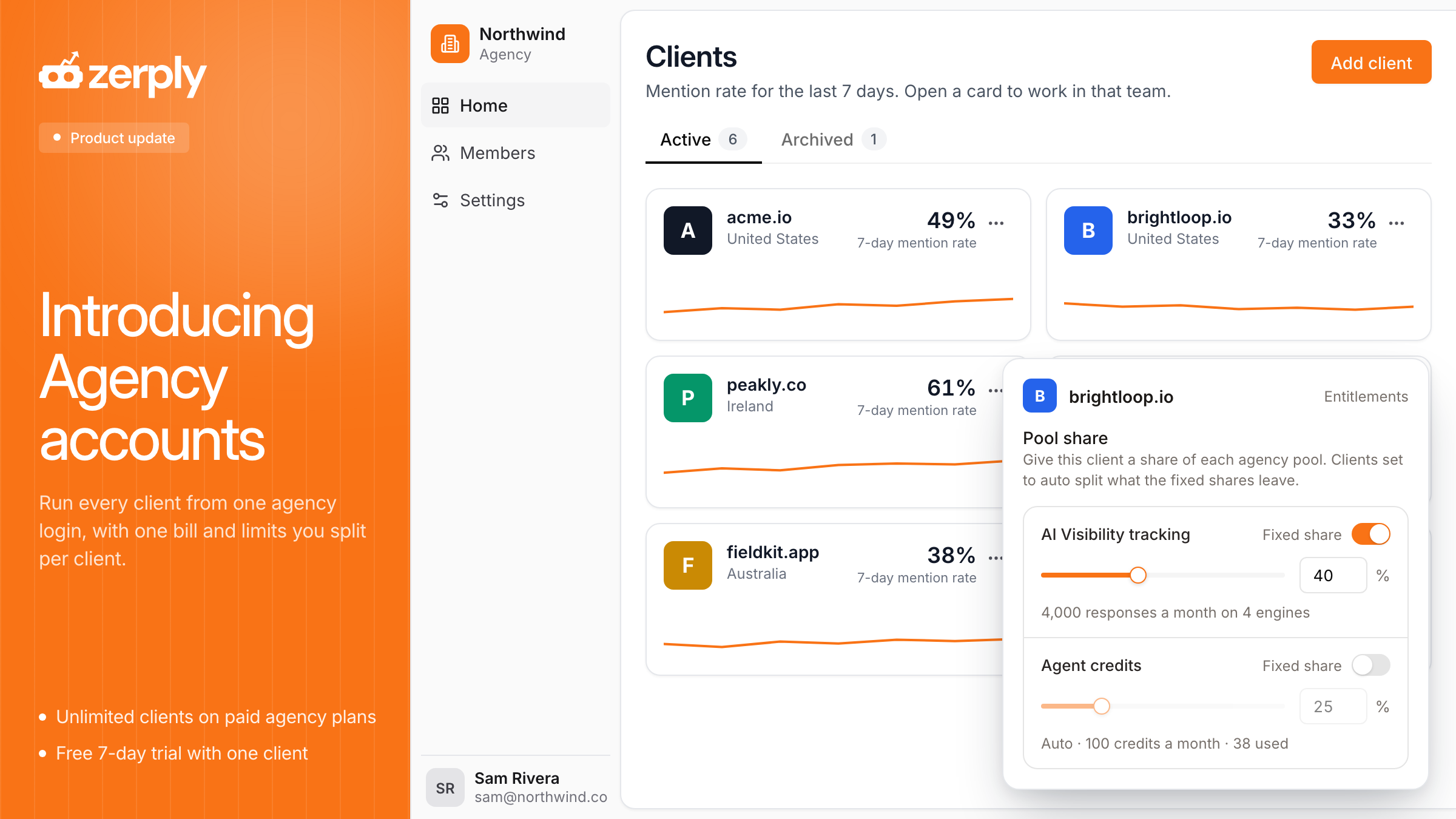
Introducing Agency Mode

Run every client from one agency login, with one bill and limits you split per client.
The problem
Clients now ask their AEO/SEO agency whether they show up in ChatGPT, and what the agency is doing about it. Zerply answers that for one brand in a few clicks. For a whole roster of clients, it took far more work than it should.
Until now, each client needed its own Zerply workspace and its own subscription. An agency with eight clients paid eight invoices and switched workspaces all day. Capacity was stuck where you bought it, so one client could run out of agent credits while another client sat on credits it never used.
What's new
An agency account is one login that holds all of your client workspaces under one plan. The agency home lists every client as a card, with its mention rate for the last 7 days and a trend line. Mention rate is the share of tracked AI answers that name the client's brand. Click a card and you are inside that client's workspace, with AI Visibility, the Zerply Agent and Foundry, the Zerply tool that publishes pages on the client's own domain.
Usage is pooled across the agency. Your plan comes with a pool of AI Visibility tracking, AI crawler events and agent credits. If you add Foundry, its pages go into a pool too. By default, every client is on auto, which means clients split the pool equally. When one client needs more, turn on Fixed share for that resource and set a percentage. The clients left on auto split what remains. A client's prompt limit comes from its share of AI Visibility tracking and the number of AI platforms it tracks.
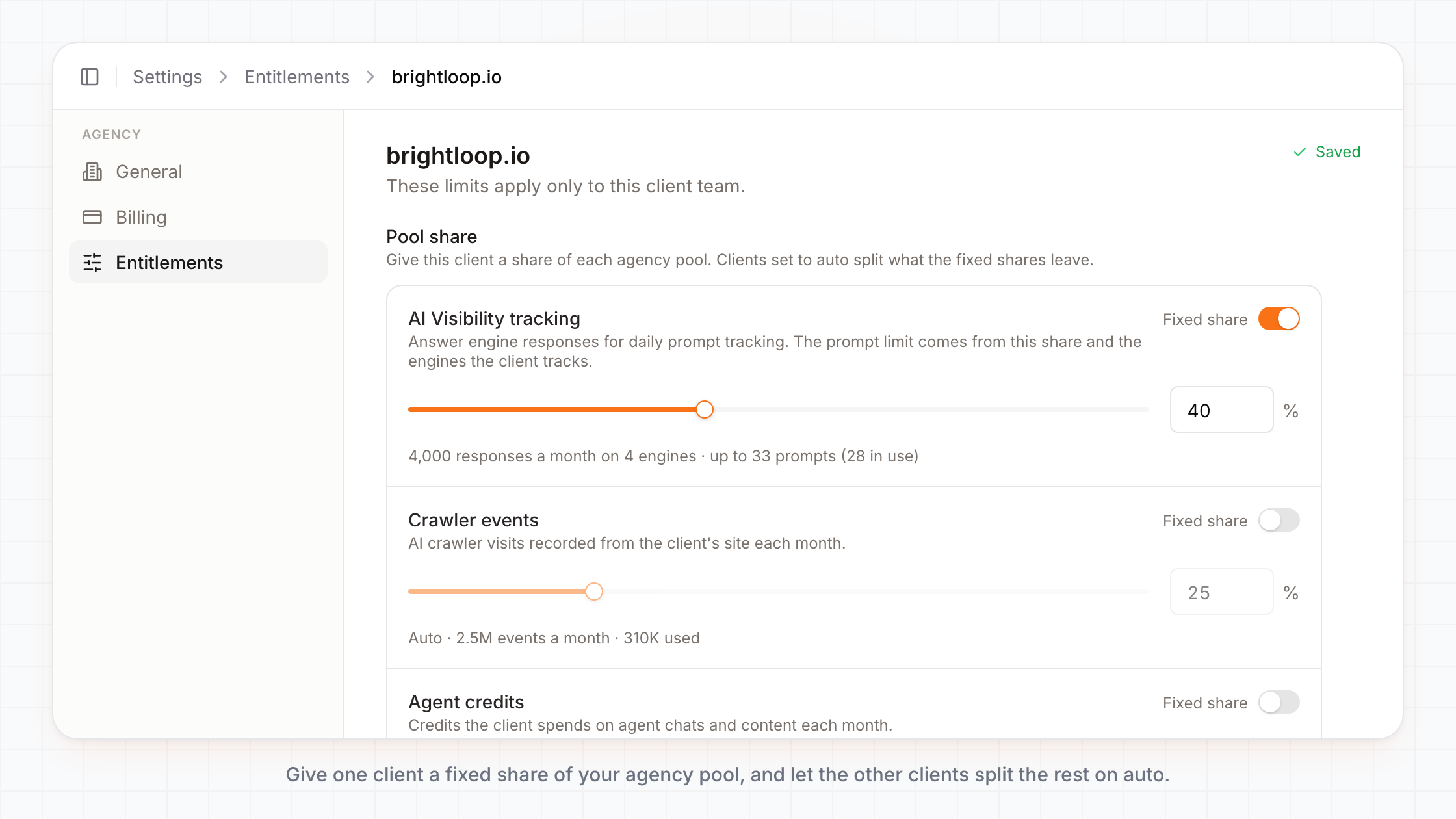
You also decide what each client can use. The Entitlements page for a client has a switch for each feature, such as AI Traffic Analytics, keyword research, the blog agent and Foundry publishing. A client can never get more than your agency plan includes.
What you can do now
- Check every client before the weekly call. The agency home shows who gained ground in AI answers this week and who slipped, without opening a single workspace.
- Put capacity where the work is. Give a client a fixed 40% of AI Visibility tracking during a launch month, and move it back when the launch is over.
- Give your team access by client. Invite teammates as admins, managers or viewers, and assign each person to the clients they work on. Everyone except the owner sees only their assigned clients.
- Pause a client without losing anything. Archive a client when the work stops. It leaves the client grid, nothing runs for it, and its pool share goes back to your other clients. Its data stays, so you can unarchive it later. Its published Foundry pages go offline while it is archived.
The Usage tab on your agency Billing page shows credits by client, so you can see which account used what before you renew.
Plans
Every paid agency plan includes unlimited clients, unlimited prompts and unlimited seats.
You can view the complete pricing here: https://zerply.ai/agency-pricing/
Try it now
Start a 7-day agency trial. The trial includes one client. Sign up as an agency, click Add client on your agency home, and Zerply starts tracking that client's AI visibility.
Written by
Founder, Zerply.ai & Wittypen
Preetesh Jain is the Founder of Zerply.ai and Wittypen. He specializes in SEO, Answer Engine Optimization (AEO), AI search visibility, content marketing, and product development. Through his work building AI-powered marketing platforms, he helps businesses improve their organic presence across Google, ChatGPT, Perplexity, Claude, and other emerging discovery channels. He regularly writes about AI search, organic growth, content strategy, and the future of digital marketing.
RELATED READS
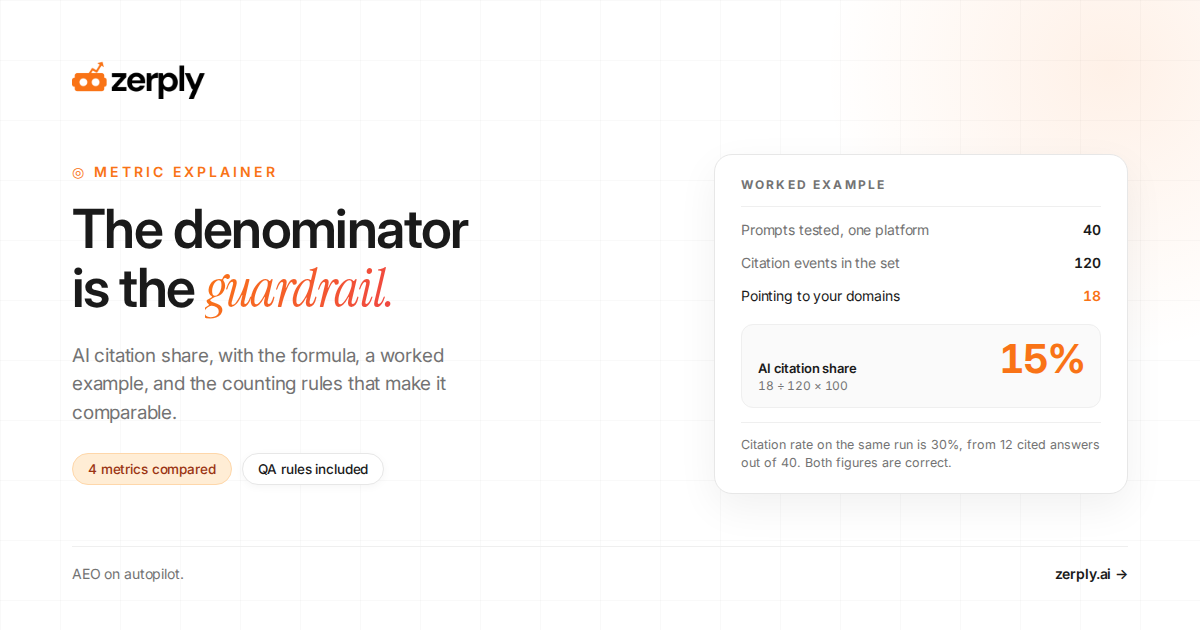
AI Citation Share Explained: Formula, Example, and Measurement Guide
Preetesh JainSep 13, 202610 min read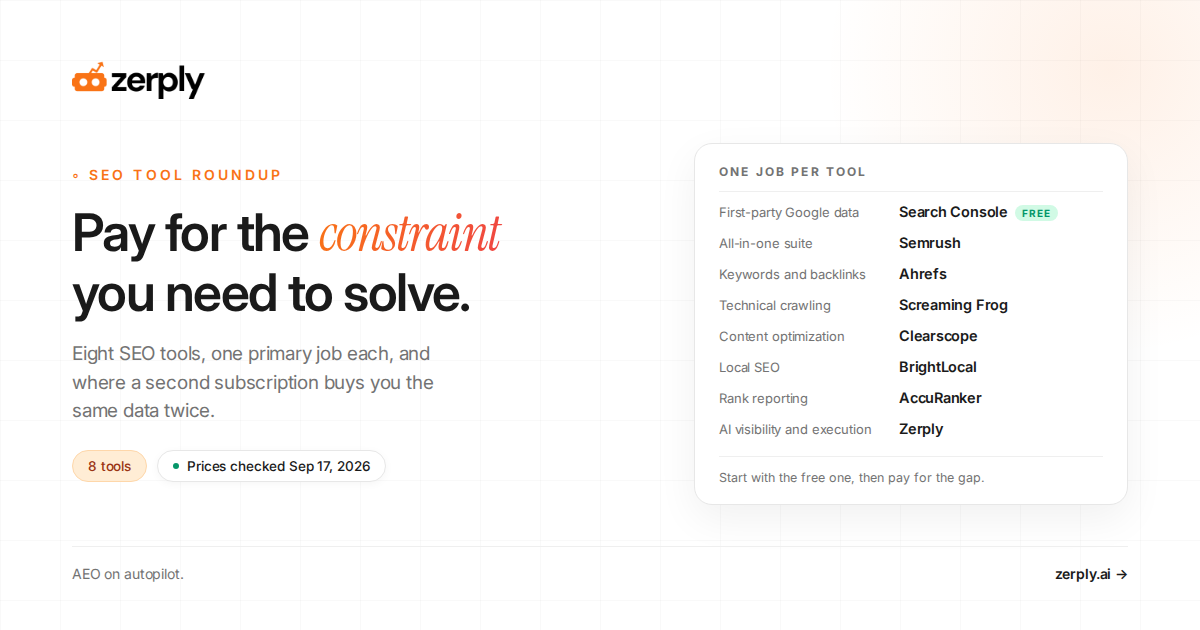
8 Best SEO Tools in 2026: Research, Content, Technical SEO, and AI Visibility
 Anshul MotwaniSep 10, 202613 min read
How To Measure and Act on AI Referral Traffic
Anshul MotwaniSep 10, 202616 min read